
Security
Equipment Management uses a three-tier permission model to control access.
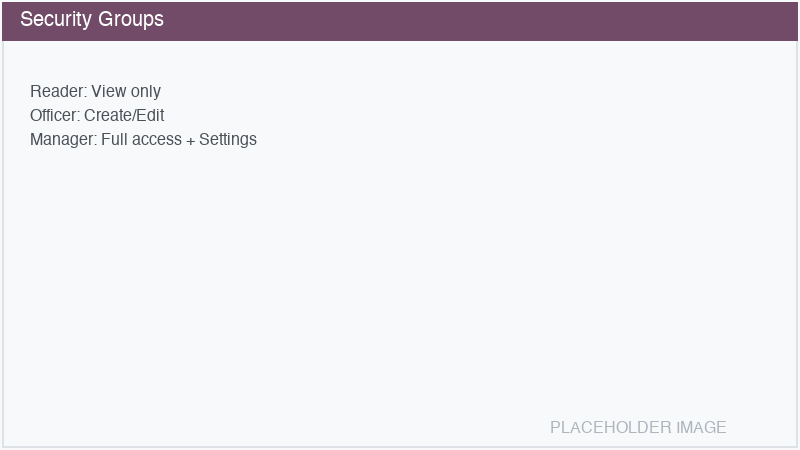
Access groups
Group |
Technical Name |
Permissions |
|---|---|---|
Reader |
|
View all equipment, brands, models, tags, and documents. Cannot create, edit, or delete. All internal Odoo users receive this group automatically. |
Officer |
|
Everything Reader can do, plus: create and edit equipment, link maintenance/fleet/stock, upload documents, set analytic accounts. |
Manager |
|
Everything Officer can do, plus: delete and archive equipment, delete documents, access Equipment Settings/Configuration. |
Assigning groups
Navigate to .
Select a user.
In the Access Rights tab, find the Equipment Management section.
Select the appropriate level: Reader, Officer, or Manager.
Note
All internal users (base.group_user) automatically receive Reader access. You only need
to explicitly assign Officer or Manager to users who need higher access.
Multi-company rules
Equipment, documents, and sensor records are filtered by company. Users can only see records belonging to their current company (or companies they have access to in multi-company setups).
This is enforced through global record rules:
Equipment:
[('company_id', 'in', company_ids)]Documents:
[('equipment_id.company_id', 'in', company_ids)]Sensors:
[('equipment_id.company_id', 'in', company_ids)]Calibrations:
[('equipment_id.company_id', 'in', company_ids)]
View-level restrictions
Certain fields on the equipment form are only visible to Officer and above:
Analytic Account
Maintenance Equipment link
Fleet Vehicle link
Stock Lot link
Reader users see all the data and tabs but cannot see or modify these connection fields.