
Konfiguráció
Telepítés
Lépjen az menüpontra, keressen rá a Cash Register modulra, majd kattintson a Telepítés gombra. A modul a Könyvelés alkalmazástól függ; magyar lokalizációs adatbázison általában a lokalizációval együtt települ.
Fontos
A sorszámkörök beállítása a Billing Administrator (Főkönyvelő) csoport tagjaira van korlátozva. A pénztárosoknak nincs szükségük a konfiguráció elérésére a bizonylatok rögzítéséhez.
Pénztárnapló beállítása
Minden fizikai pénztár külön pénztárnapló, pénznemenként egy (például Cash HUF, Cash EUR). Létrehozásához lépjen a menüpontra, kattintson az Új gombra, és állítsa a Típus mezőt Készpénz értékre.
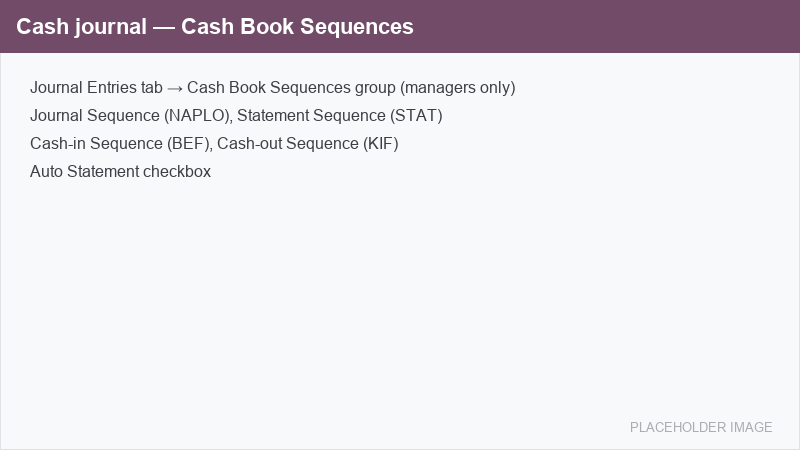
A pénztárnaplókon a Könyvelési tételek fülön megjelenik egy külön Cash Book Sequences csoport, ahol a négy sorszámkört és az automatikus kivonat beállítást rendelheti hozzá.
Sorszámkörök
A modul négy kész, Nincs rés típusú sorszámkört tartalmaz, amelyeket minden pénztárnaplón hozzá kell rendelni. A hézagmentes sorszámkör folyamatos, auditálható számozást biztosít, ahogy azt a magyar szigorú számadás megköveteli, és minden sorszámkör évente újraindul.
Mező |
Előtag |
Cél |
|---|---|---|
Napló sorszám |
|
Ennek a pénztárnaplónak a könyvelési tételeit sorszámozza. |
Kivonat sorszám |
|
Minden pénztárkönyvi kivonat a jóváhagyáskor kapja meg (kivonat sorszám). |
Befizetés sorszám |
|
A bejövő pénztárbizonylatokat sorszámozza (befizetés sorszám). |
Kifizetés sorszám |
|
A kimenő pénztárbizonylatokat sorszámozza (kifizetés sorszám). |
Javaslat
A Befizetés sorszám és a Kifizetés sorszám mezőhöz ugyanazt a sorszámkört is hozzárendelheti, hogy mindkét irány egyetlen közös számsoron fusson, vagy két különböző sorszámkört rendelhet hozzájuk, hogy az irányok külön sorszámozódjanak. Ez a döntés a visszadátumozás-ellenőrzés hatókörét is tágítja vagy szűkíti (lásd Visszadátumozás elleni védelem).
Saját sorszámkörök létrehozásához másolja le a mellékelt mintákat a menüpontban, hagyja az Implementáció mezőt Nincs rés értéken, majd válassza ki őket a naplón. A modul frissítése soha nem nullázza le a folyó sorszámot.
Auto kivonat
Kapcsolja be az Auto kivonat beállítást a naplón, hogy egy pénztárbizonylat könyvelése automatikusan megnyisson vagy hozzárendeljen egy pénztárkönyvi kivonatot, ha éppen egy sincs nyitva. Hagyja kikapcsolva, ha a pénztárkönyv lapjait kézzel szeretné megnyitni.
Visszadátumozás elleni védelem
Alapértelmezés szerint a pénztárkönyv védve van a visszadátumozás ellen: egy bizonylat nem könyvelhető korábbi kelttel, mint a sorszámkörében utolsóként sorszámozott bizonylat. Így a sorszámozás és a dátumok együtt haladnak előre, ahogy azt egy szigorú számadású pénztárkönyv megköveteli.
A rendszergazda feloldhatja ezt a korlátozást, ha az eyssen_cashregister.override_sequence_date_constraint rendszerparamétert 1 értékre állítja a menüpontban. Az alapértelmezett 0 érték fenntartja a védelmet.