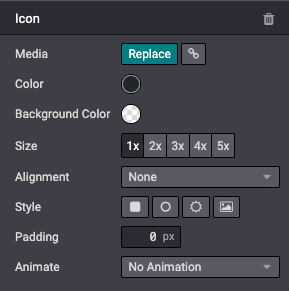
Media
In this chapter we will see how to include media elements such as images, videos or icons within Odoo.
Images
Record images in the database and use them later in your design/code. They will also be available for the end user through the media dialog.
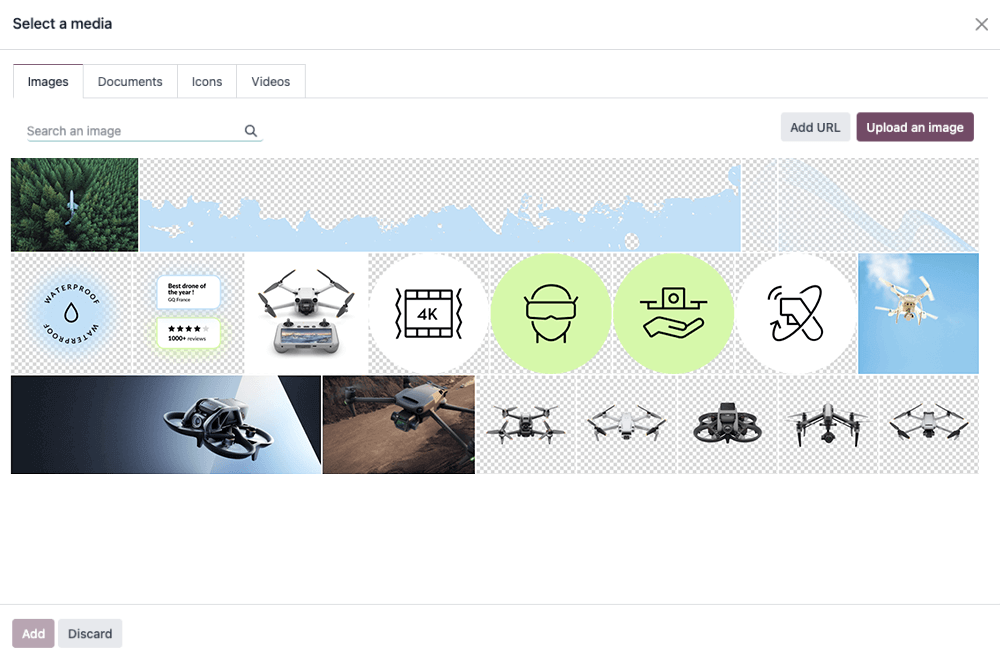
The Website Builder supports the following image file formats: JPG, GIF, PNG, and SVG.
Figyelem
Some options offered by the Website Builder are only applicable to media registered into a record. You might not see some options if you add an image directly with a relative path to your module folder.
Declaration
To use your images in your code and have them included in the builder’s gallery (so the client can reuse them), declare them like this:
/website_airproof/data/images.xml¶<record id="img_about_01" model="ir.attachment">
<field name="name">About Image 01</field>
<field name="datas" type="base64" file="website_airproof/static/src/img/content/img_about_01.jpg"/>
<field name="res_model">ir.ui.view</field>
<field name="public" eval="True"/>
</record>
Field |
Description |
|---|---|
id |
The name of your image to be used in your code |
name |
A descriptive name for your image |
datas |
The location of your image |
Use
Regular images
In your xml templates, call your images as follows:
<img src="/web/image/website_airproof.img_about_01" alt=""/>
Being img_about_01 the id you gave to your image.
Background images
<section style="background-image: url('/web/image/website_airproof.img_about_01');">
Company logo
For the company logo, the use is a little bit different. First declare it within the website.xml
file and then call it using the right template. For instance, to call inside the header, we will
use <t t-call="website.placeholder_header_brand">.
/website_airproof/data/images.xml¶<record id="website.default_website" model="website">
<field name="logo" type="base64" file="website_airproof/static/src/img/content/logo.png"/>
</record>
Megjegyzés
Here you can find more information about the company logo setup and global website settings presets.
Javaslat
To make sure that your images don’t slow down your web page and don’t weigh too much, try to respect these few points:
Weight: < 200Kb.
Size: not more than 1500px if not needed.
Extension: use svg or jpg, png or gif.
Name: no spaces, accents or special characters and separate words with dashes. Use relevant words whenever possible.
Images larger than 1920px will be heavily compressed by the website builder. If < 1920px, they will remain intact.
Videos
Add videos as background.
<section class="o_background_video" data-bg-video-src="...">
    <!-- Content -->
</section>
Attribute |
Description |
|---|---|
data-bg-video-src |
Video URL. |
Add videos as content.
<div class="media_iframe_video" data-oe-expression="...">
    <div class="css_editable_mode_display" />
    <div class="media_iframe_video_size" contenteditable="false" />
    <iframe src="..."
        frameborder="0"
        contenteditable="false"
        allowfullscreen="allowfullscreen"/>
</div>
Attribute |
Description |
|---|---|
data-oe-expression |
Video URL. |
src |
Video URL. |
Icons
By default, the Font Awesome icons library is included in the Website Builder. You can place icons
anywhere using the CSS Prefix fa and the icon’s name. Font Awesome is designed to be used with
inline elements. You can use <i> tag for brevity, but using a <span> is more semantically
correct.
<span class="fa fa-picture-o"/>
Lásd még
Enable the Website Builder style options.
<span class="fa fa-2x fa-picture-o rounded-circle"/>
Increase the icon size (fa-2x, fa-3x, fa-4x, or fa-5x classes).
<span class="fa fa-2x fa-picture-o"/>